Why heating or hot water ignores the timer
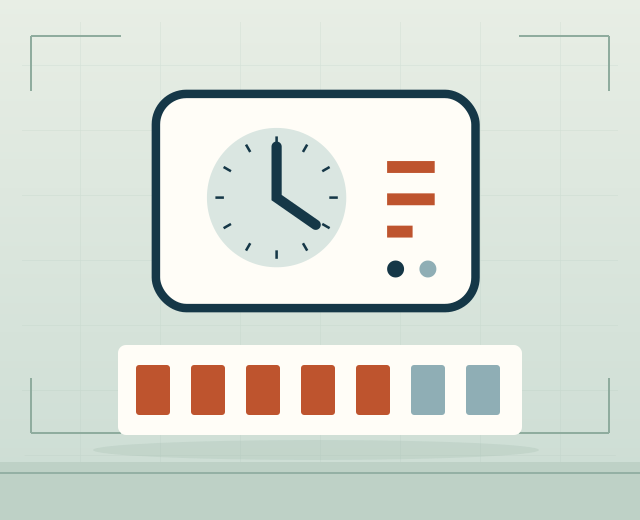
An incorrect clock, schedule or operating mode can make a working programmer appear faulty. If those settings are correct, a switching fault or a problem in the connected thermostat, valve or circuit may stop the timed demand reaching the boiler. A working display does not confirm correct switching. A fault affecting one channel should be assessed separately from a complete loss of both heating and hot-water timing.
Separate schedule settings from programmer faults
A setting or operating mode can look like a fault. The appliance's user instructions can explain ordinary scheduling controls, but electrical testing and internal repairs are for a competent person. Record the behaviour and recent changes rather than assuming a working display proves correct switching.
Check the programmer's wider control connections
A scheduled demand may still depend on a thermostat, receiver or motorised valve before heat reaches the right circuit. If one channel works and another does not, say so. The assessment should follow the affected route and establish whether the programmer or connected equipment is responsible.
Agree the programmer repair scope
Ask whether the proposed work repairs the current unit or fits a compatible replacement. Include any separate heating zones and the settings you want retained. The scope should cover setup and confirmation that the relevant channels respond correctly, with any additional work agreed before it proceeds.
REPAIR QUESTIONS
Programmer questions
Why might one timed channel work while another does not?
Heating and hot-water channels can control different circuits, so only one route may be affected. Say which channel fails and whether its schedule is still shown correctly.
Does a working display prove the programmer is switching correctly?
No. A screen can work while switching does not. Distinguish a lost clock or settings from a normal display that fails to produce heat.
Can my existing heating schedule be retained with a replacement?
Often, but the replacement must support the same scheduling features. Keep a copy or photograph of your current timetable before the old unit is removed.